HxS Development Environments
Use HxS in the development environments your team already knows, with editor support for interface design and generation workflows.
Get help while you model interfaces.
HxS integrates into familiar development environments so interface design fits into everyday engineering work rather than requiring a separate specialist setup.
- Syntax coloring and keyword completion.
- Auto indentation and formatting.
- Inline documentation and editing assistance while working on interface descriptions.
- Windows and Linux environments are supported.
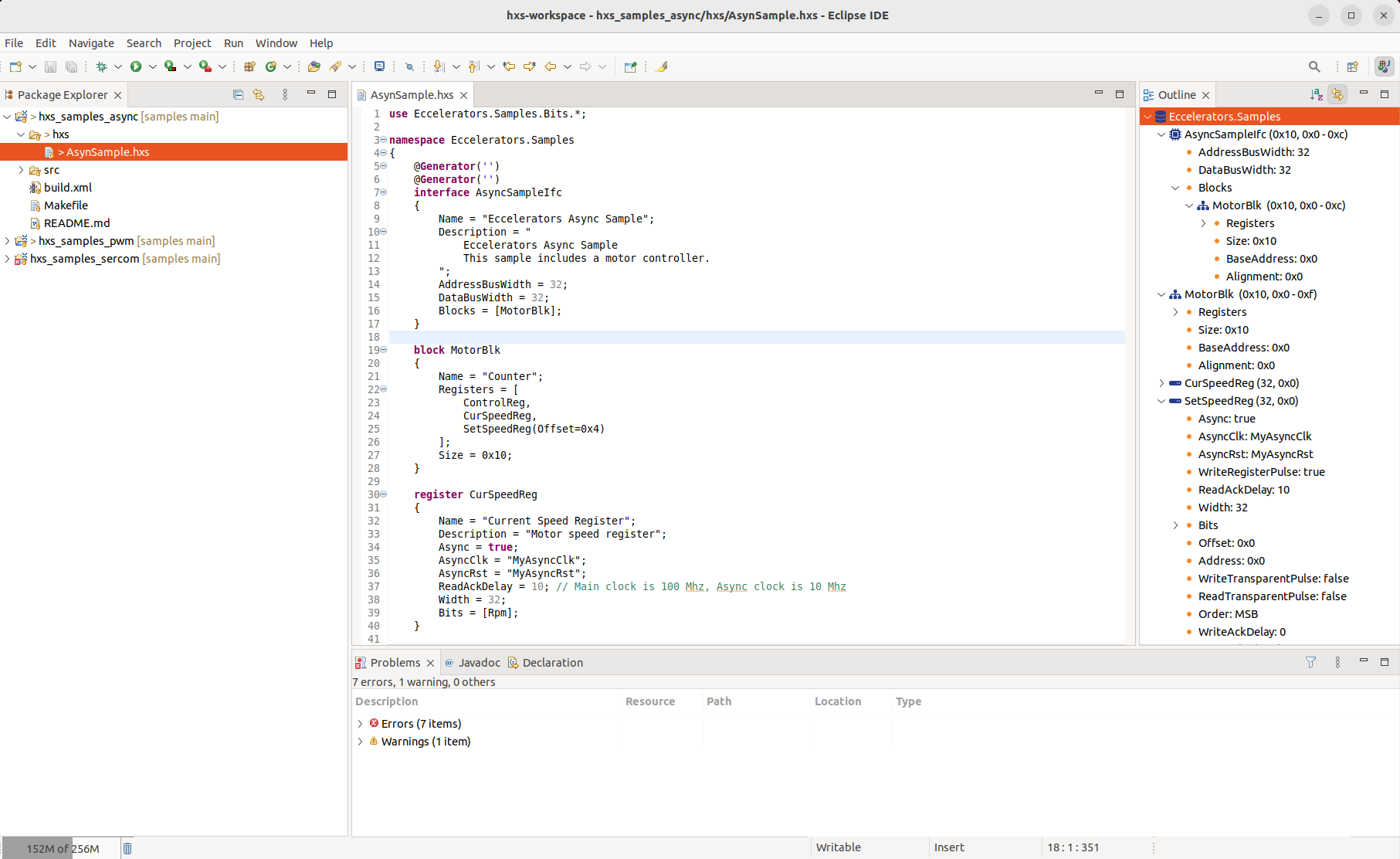
Choose the environment that fits your workflow.
Install the available HxS plugins and extensions for Eclipse, VS Code, and web-based IDEs, then keep interface work close to the rest of your engineering flow.
Eclipse
Install the HxS Eclipse plugin through the update site and work with language-aware tooling directly in the IDE.
- HxS Eclipse Plugin Update Site
- Fits well into existing Eclipse-based FPGA and embedded workflows.
VS Code
Install the HxS extension from the Visual Studio Code Marketplace for a lightweight editing experience.
- Get HxS Extension for VS Code
- Great for teams that prefer a modern editor with fast project navigation.
GitPod and Theia
Use the Open VSX marketplace for web-based IDEs such as GitPod and Eclipse Theia.
- HxS Extension for GitPod and Eclipse Theia
- Useful for cloud-based setups, remote workspaces, and browser-first development.
Questions about setup or plugin support?
Send us a message if you need help choosing the right environment or getting an extension working.